Windows
MetaTrader 4 is one of the most popular CFD and FOREX trading platforms in the world. Thousands of traders generally prefer this software. MetaTrader 4 has all the necessary trading tools. There is a wide range of instruments and indicators for technical analysis, news feeds, on-line quotes and charts. This program allows you to manage multiple windows with your own indicators and studies. You can work with a few types of charts – lines, Japanese candles and bars.

Multi Terminal
MetaTrader Multi Terminal is designed for traders managing a few accounts simultaneously. The program allows you to choose the method of profit distribution between different accounts.
MetaTrader Multi Terminal has a very user-friendly interface and a variety of available options.
MetaTrader Multi Terminal allows you:
- to manage simultaneously as many accounts as you want
- to place, delete and modify any types of orders
- to get quotes for all instruments
- to read news
- to use internal mailing system
- to get access to the trade history
Android
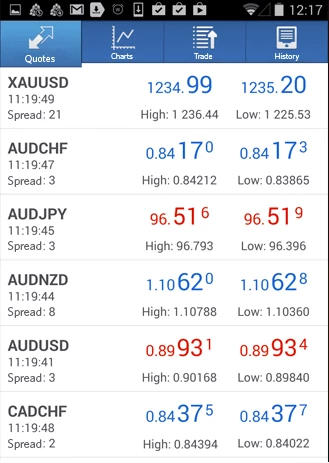
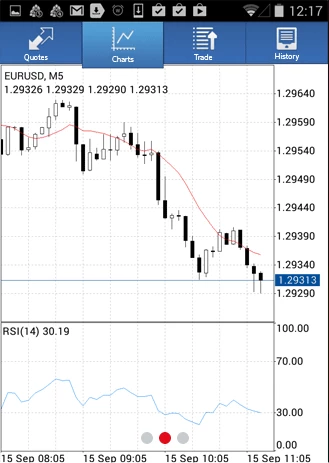
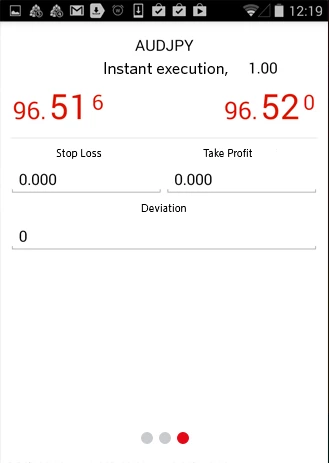
Free Android app for forex traders. Now you can trade everywhere you have mobile internet or Wi-Fi. With this application, you can get: Real-time quotes of financial instruments, full set of trade orders, including pending orders, trade directly from the chart, complete trading history
Technical analysis
- On-line interactive charts with zoom and scroll options
- 7 timeframes: M1, M5, M15, M30, H1, H4 и D1
- 3 chart types: bars, japanese candlesticks and lines
- Technical indicators
Convenience
- User friendly interface
- Trade levels and volumes on the chart
- Offline mode (quotes, charts, open trades and trade history)
- Minimum traffic consumption

iPhone and iPad
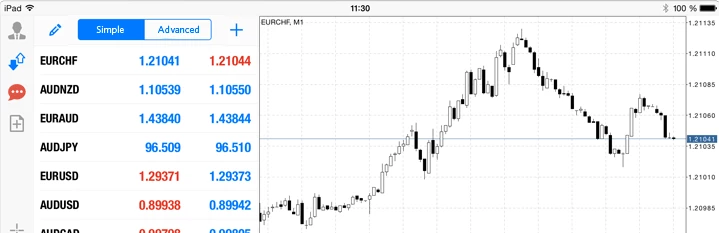
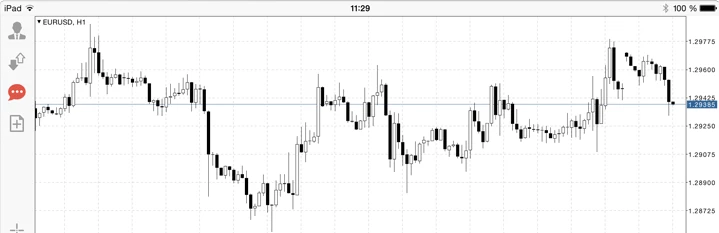
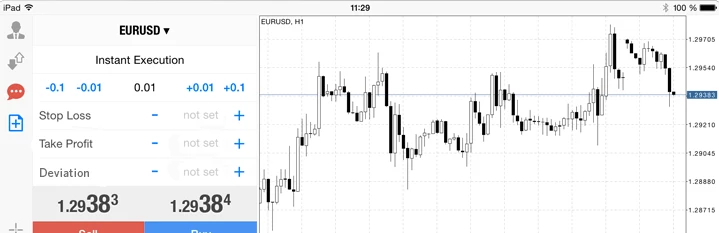
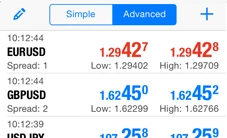
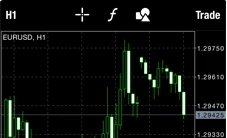
One of the most popular Forex trading platforms, MetaTrader 4, is now available on your iPhone or iPad absolutely free of charge. With this application, you can control your account, trade in the financial markets and use more than 30 technical indicators for market analysis.

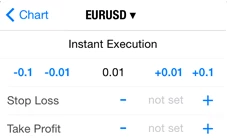
Trading
- On-line quotes of financial instruments
- Full set of trade orders, including pending orders
- Trade directly from the chart
- Support of all types of execution modes
- Complete trading history
Technical analysis
- On-line interactive charts with zoom and scroll
- 30 technical indicators, including the most popular ones?
- 7 timeframes: M1, M5, M15, M30, H1, H4 и D1
- 3 chart types: Bars, Japanese Candlesticks and Lines
Convenience
- User friendly interface
- Trade levels and volumes on the chart
- Offline mode (quotes, charts, open trades and trade history)
- Minimum traffic consumption